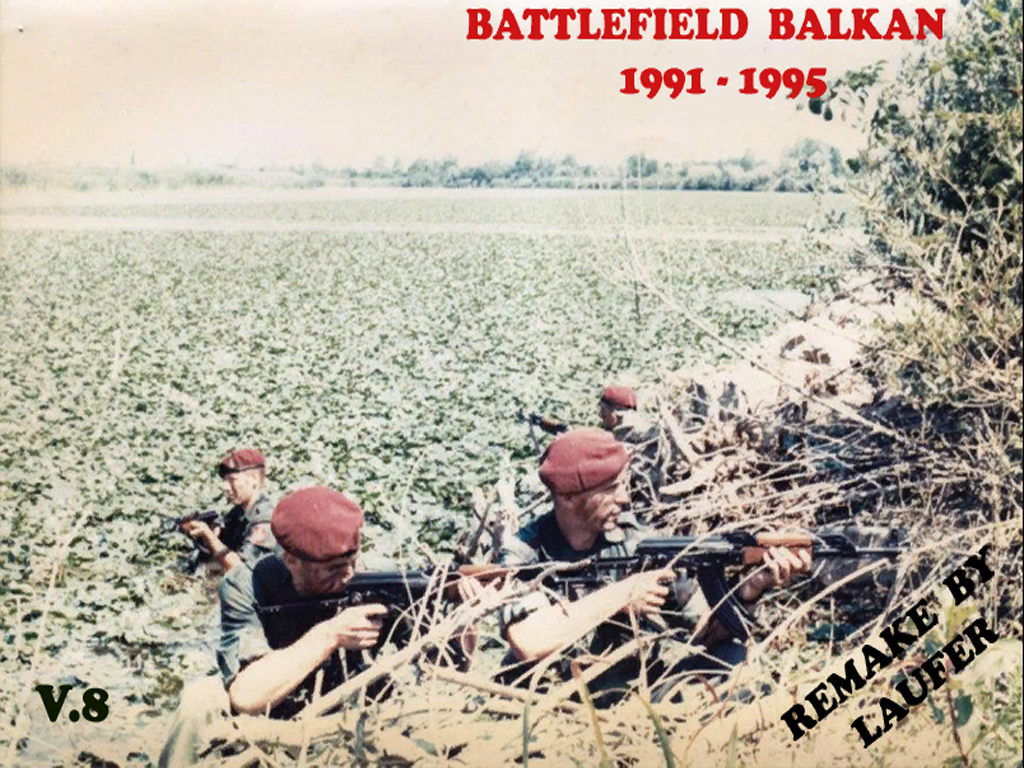
Greetings Battlefield Vietnam community. We'll be playing another modded event, this time featuring the Operation Balkan mod which is set during the Yugoslav wars in Bosnia and Croatia in the 1990s.
Event date: May 16 2026
Event time: 08.00 PM UTC
Hosted on the -[HELLO]- Bfv | Allmaps V1.21 server
IP: 108.61.119.37
Port: 15567
Download link
Mod files (read installation part 1 for installation instructions)
 drive.google.com
Multiplayer maps (read installation part 2 for installation instructions)
drive.google.com
Installation part 1
This guide shows you all that is needed to install any mod, please remember that the mod used in the guide is for example purposes only: https://forum.helloclan.eu/resources/1/
Installation part 2
Extract the contents from the second download above called "Multiplayer maps" and open the "Battlefield_Balkan_v8.2_-_Multiplayer_maps" folder, copy and paste the "levels" folder into the Battlefield Balkan level folder (default directory C:\Program Files (x86)\EA GAMES\Battlefield Vietnam\Mods\BfBalkan\Archives\BfVietnam) there should be a notification coming up where you have to click "Replace the files in the destination"
How to launch the modification
Create a new shortcut to your Battlefield Vietnam executable and add +game BfBalkan to the target
Alternatively, you can use the mod fix, simply copy the included BfVietnam.exe into your game folder and join the game as you usually would.
Mod fix download
 drive.google.com
Event date: May 16 2026
Event time: 08.00 PM UTC
Hosted on the -[HELLO]- Bfv | Allmaps V1.21 server
IP: 108.61.119.37
Port: 15567
Download link
Mod files (read installation part 1 for installation instructions)
Battlefield_Balkan_v8.2.zip
drive.google.com
Multiplayer maps (read installation part 2 for installation instructions)
Battlefield_Balkan_v8.2_-_Multiplayer_maps.zip
drive.google.com
Installation part 1
This guide shows you all that is needed to install any mod, please remember that the mod used in the guide is for example purposes only: https://forum.helloclan.eu/resources/1/
Installation part 2
Extract the contents from the second download above called "Multiplayer maps" and open the "Battlefield_Balkan_v8.2_-_Multiplayer_maps" folder, copy and paste the "levels" folder into the Battlefield Balkan level folder (default directory C:\Program Files (x86)\EA GAMES\Battlefield Vietnam\Mods\BfBalkan\Archives\BfVietnam) there should be a notification coming up where you have to click "Replace the files in the destination"
How to launch the modification
Create a new shortcut to your Battlefield Vietnam executable and add +game BfBalkan to the target
Alternatively, you can use the mod fix, simply copy the included BfVietnam.exe into your game folder and join the game as you usually would.
Mod fix download
Bfvietnam ModFix.zip
drive.google.com
Last edited: